In this post we’re exploring different ways to fetch live onchain data from different AAVE (V3) markets and display useful information in widgets on iOS.
Why ?
Aave V3 is a decentralized, non-custodial liquidity protocol that enables users to supply and borrow digital assets across multiple blockchain networks. It stands as one of the leading platforms in decentralized finance due to its focus on security, capital efficiency, and user flexibility.
Among other interesting data, monitoring the health factor on Aave V3 is essential because it indicates how close a user's position is to liquidation. If it drops below 1, the position becomes undercollateralized and can be liquidated, resulting in loss of collateral and additional fees. Keeping an eye on it helps users manage risk and protect their assets.
Users can monitor their data on Aave App Dashboard
by connecting their wallet on the official Aave app interface,
by using the “watch wallet” feature on the official Aave app interface
doing so, users can view their supplied assets, borrowings, open positions, transaction history, and health factor in real time.

This can easily be done for one single wallet, or one single Aave V3 Market, but as soon as a user need to monitor data from several wallets and/or Aave V3 Markets it can quickly become tricky, especially on a smartphone.
Specialized tools, such as liquidation trackers and "collateral at risk" dashboards, give users real-time alerts and analytical insights into their risk exposure and potential liquidation situations. They offer a limited set of features and ways for data visualization, especially when it comes to display useful data in widgets.
We looked for a more open and customizable approach that wouldn’t require to open a dedicated app or log in / switch accounts to access useful data.
How ?
Widgets on iOS are customizable mini-applications that display helpful, real-time information from our favorite apps directly on the Home Screen, Lock Screen, or Today View, without needing to open the apps themselves. Exactly what an Aave V3 users needs to have all useful information at-glance.
There is no native support for code execution in widgets on iOS. Scriptable app offers a perfect workaround for that.
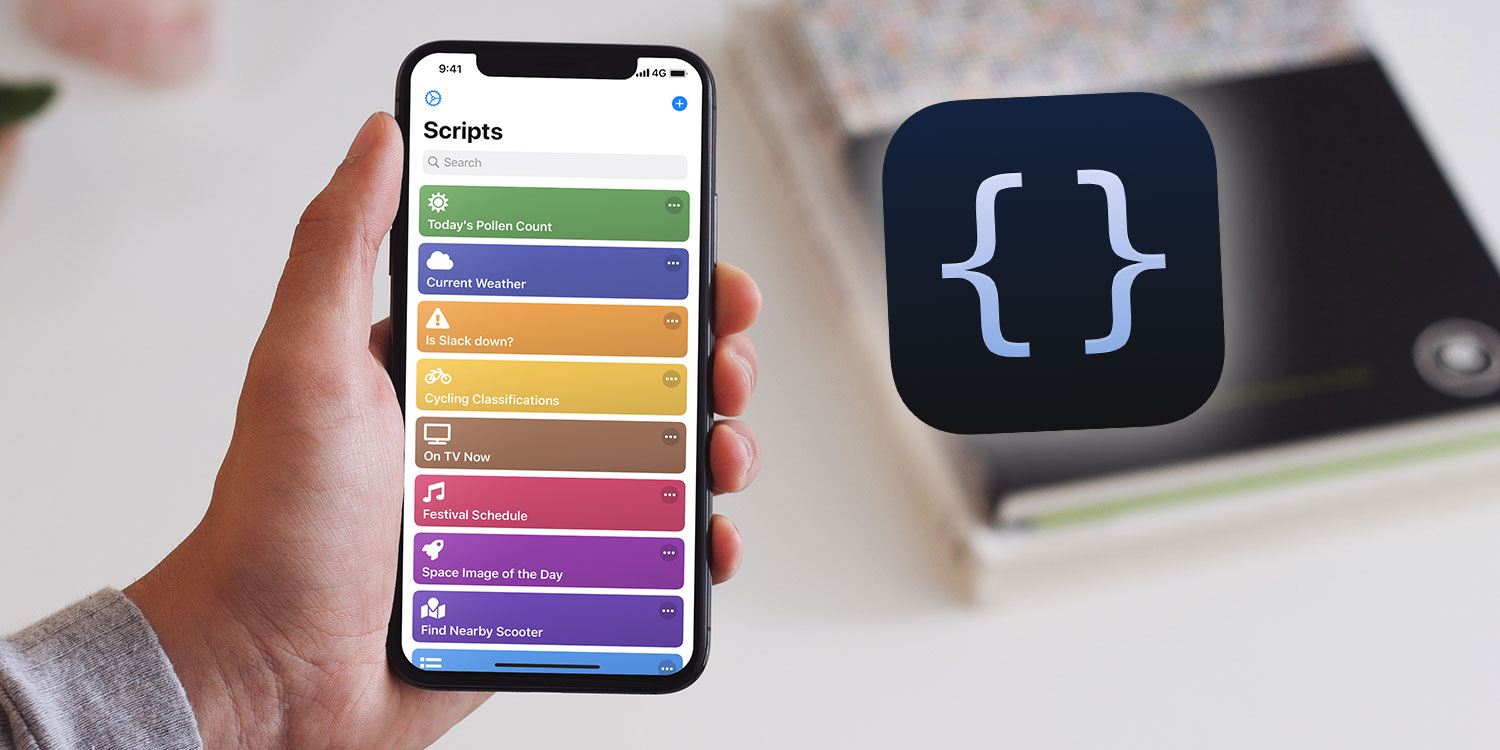
Scriptable is an iOS app that allows automation by writing JavaScript scripts. It enables users to create custom widgets that display personalized data directly on the Home Screen or Lock Screen, all while keeping scripts accessible and customizable within the app. A perfect match for our challenge.
Let’s go !
In this post, we demonstrate four examples of iOS widgets fetching and displaying data from different Aave V3 markets :
Lock Screen : Health Factor for one account on a specific Aave V3 market
Home Screen : Health Factor for one account on a specific Aave V3 market
Home Screen : Health Factor for two accounts on a different Aave V3 markets
Home Screen : Full data for one account on a specific Aave V3 market
The purpose of this post is to share with the community of Aave V3 users examples of widgets we use ourselves, and to offer a functional code base that you can customize to match your own needs.
Code examples are provided hereafter for an easy copy-paste in your Scriptable app.
Code samples
Each code sample includes variables in the first part to allow customization. You can use the samples as-is, however you will at least need to update :
the wallet address
the label - a friendly name if you want one
the Aave V3 market
Since this code is intended to run on smartphones, we tried to perform some optimization to preserve batteries, for example :
default refresh interval is set to 60 minutes, but it will be automatically reduced based on Health Factor risk
logos are being cached locally to reduce queries
Advanced customization will require some coding skills (or you can leverage AI).
Remember, this code is only fetching information onchain and displaying it in widgets. You can’t break anything on Aave or in your wallet by playing with this. Also there is no risk introduced : since it only reads and displays data publicly available onchain, no login or signature is required, and none of your sensitive information is at risk.
How to?
First thing you have to do is to download and install the Scriptable app from App Store. Then :
Add new script and copy-paste code from examples hereafter
Click the script to render the widget with demo data
Edit code with your address, network and friendly name
Done :)
We’ll see how to add the new widget to your lock screen or home screen later. For now, some code samples.
Lock Screen
Health Factor widget for one account
This widget displays Health Factor from Aave V3 for the defined account/market :

Use code sample hereafter to get a widget like in example above.
Home Screen
Health Factor widget for one account
Once added to your home screen, this widget displays Health Factor from Aave V3 for the defined account/market :

Use code sample hereafter to get a widget like in example above.
Health Factor widget for two different accounts or markets
If you use Aave V3 with one address on different markets or with multiple addresses, this widget might be very useful to monitor HF from multiple accounts at-glance.
Once added to your home screen, this widget displays Health Factor for two different accounts or different Aave V3 markets :

Use code sample hereafter to get a widget like in example above.
Full data widget for one account
We tried to make best possible use of the widget space available to display the most important data about an Aave V3 account at-glance.
Once added to your home screen, this widget displays data from Aave V3 for the defined account :

Use code sample hereafter to get a widget like in example above.
Add your widgets
If you never added a widget to the home screen or lock screen of your smartphone, have a look to this page for a complete how to.
Choose Scriptable while adding a new widget. Stick to the small square shape.

A new empty widget appears on your screen.

Click the widget and choose the script you want it to run.

Done :) You can rearrange your home screen and place the new widget along with your favorite app icons.

Final tips
If you’re using Aave on multiple accounts and markets you will love this tips, here’s real value !
Lock screen
Lock screen allows only two widgets. You can create one script per account you want to monitor and check your most important Health Factor any, without even having to unlock your smartphone.

Home screen
We provided sample code for widgets for single account or for two accounts. You can make several widgets with different accounts/markets if two are not enough. If you do, you can even save screen space by creating a widget carousel :)

Give it a try !
That’s it for now. If you like this stuff, ping us on social networks ;)
About No Trust Verify
We are deeply experimentation-oriented, with a particular focus on technologies related to privacy, self-sovereignty and trustless organizational structures. Our proactive commitment is reflected in a number of projects. In particular, we are contributors to Nym, supporting the existing infrastructure, developing applications and spreading essential knowledge related to privacy issues. In addition, we are active contributors to the Alephium community, offering decisive components such as full nodes, useful and exploratory services, Bridge guardian while participating in the development of dApps.
We are the developers of AAVE Monitor, TipALPH Bot and Alephium.world, among other stuff.
We look forward to hearing from you:
| Website | Twitter | Telegram | Linkedin | Matrix |
Comments
Join the discussionNo comments yet. Be the first to comment.